Watch the vertical Short · Download the regular video · Download the vertical video
A screen recording can be easier than typing a long explanation of a website problem or a task. The useful next step is letting an AI assistant read that recording. In this walkthrough, Ryan Rockwood asks Codex to connect to Loom, checks that the connection can read an existing video, and tries an editing request.
The result is a working connection and an important boundary: accessing a Loom and preparing an edit are different from controlling Loom’s editing timeline.
Start with the Atlassian connection
Loom’s MCP tools are delivered through Atlassian MCP. Your Loom workspace must be linked to an Atlassian Cloud site. In the recording, Ryan gives the agent an existing Loom link and asks it to set up the connection. The agent installs the Atlassian integration; the user completes the sign-in and approval flow.
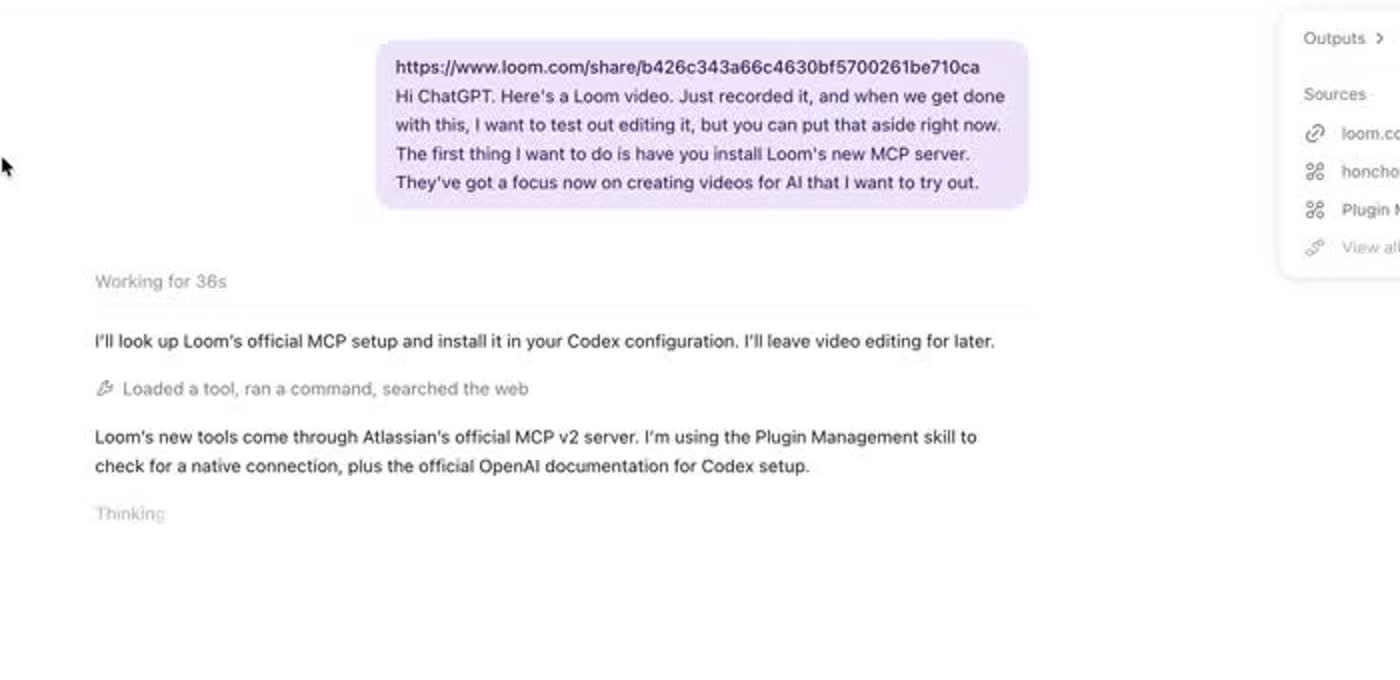
For current setup instructions, use Loom’s official MCP guide. A useful first test after connecting is: “Read this Loom’s title and transcript, and tell me what information is available.” Check the returned content before asking the agent to perform more work.
Test one useful task
The visible success in this test is specific: the agent reads the existing recording and its timestamped transcript. It also reports that this particular recording has no separate AI brief. Ryan then asks for a tighter edit that removes pauses and filler words.
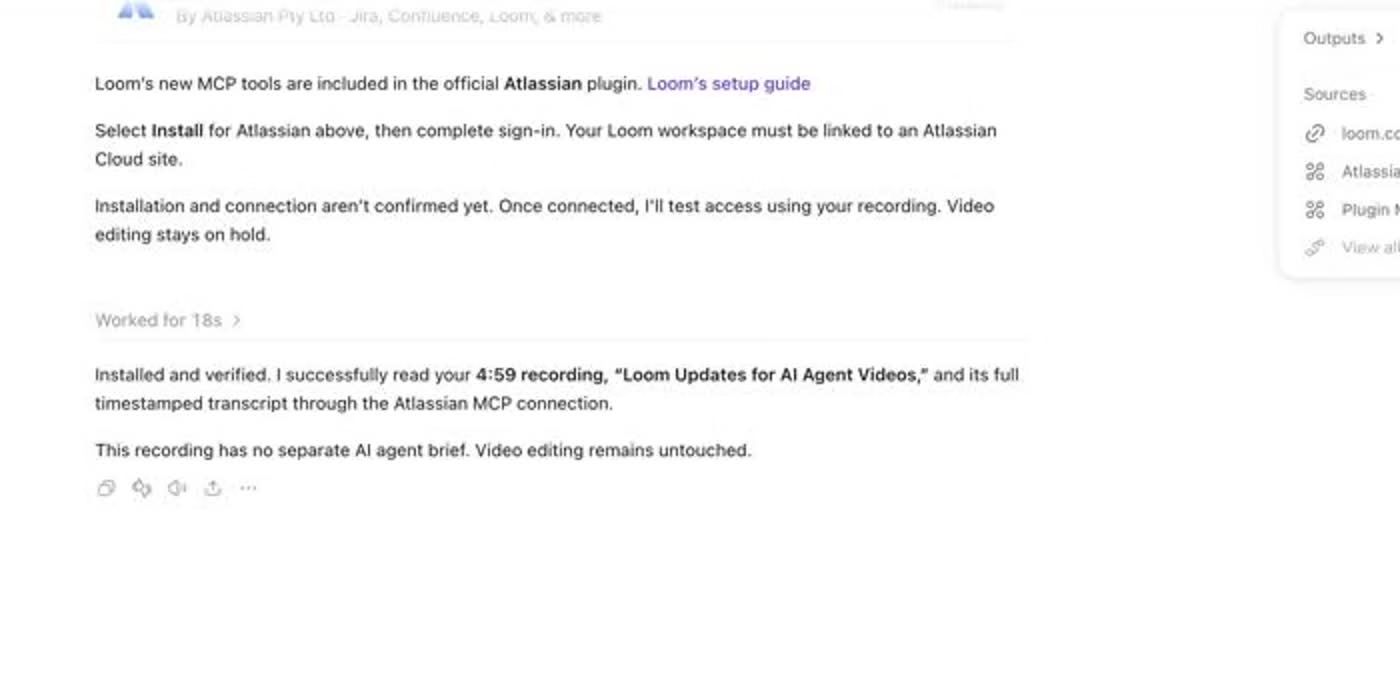
In the workflow demonstrated here, the agent explains that the available connection does not expose timeline editing. It downloads the video and makes the cuts with separate editing tools. That editing and subsequent publishing workflow should not be presented as a built-in Loom MCP timeline feature.
What to try as a real estate agent
Record a short walkthrough of one problem: a page that needs clearer copy, a confusing follow-up workflow, or a process a teammate needs to repeat. Explain the intended result while showing the relevant screen. Ask the connected agent to summarize the task, list the requested changes and identify anything it cannot verify. Review its understanding before accepting changes.
For the related recording features, watch Loom’s Record for Agents and MCP demo playlist. You can download Loom here.
For practical AI workflows built around real estate work, visit How Agents AI and the How Agents AI playlist.