A showing starts at 2:30. Your 1:45 ran long, the next house is across town, and your phone is in the car while you’re locking up a lockbox. A banner on a locked screen doesn’t help. A text and a phone call, five minutes out, might.
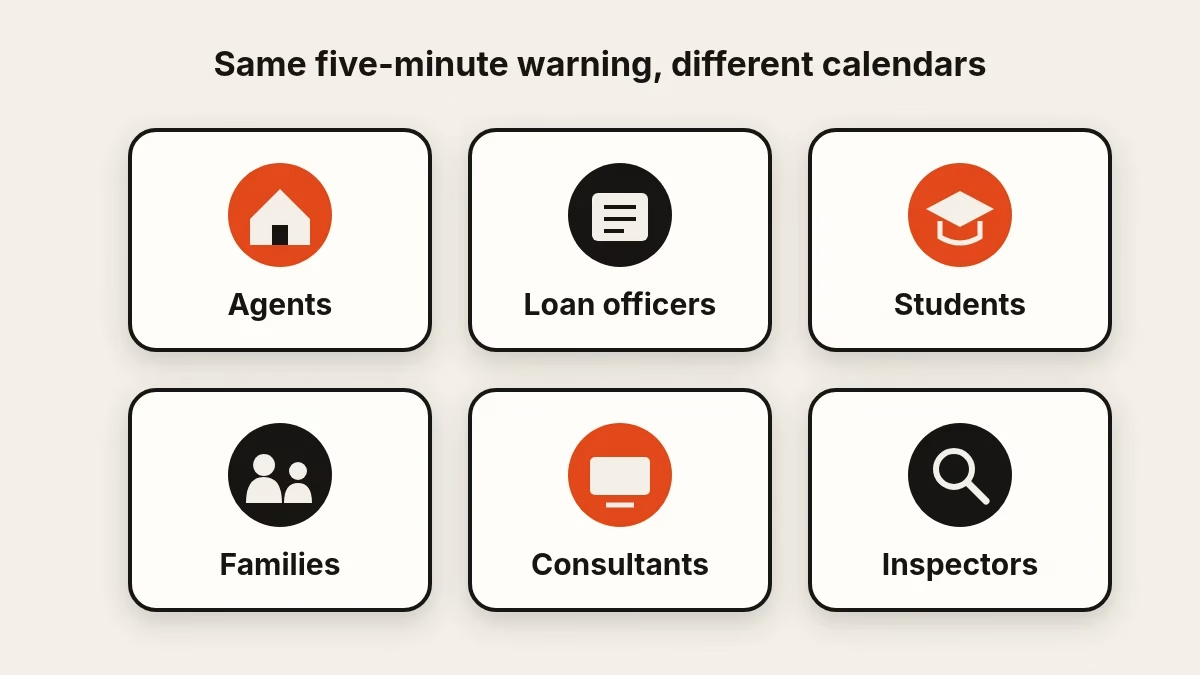
That is the whole idea behind Calendar Alerts: it reads one Google Calendar and sends a text, email or phone call about five minutes before each timed event. The tool is the same for everyone. What changes is the calendar it protects. Here is how six kinds of people can use calendar reminders, with the setup details that matter for each. If you want the mechanics first, read what Calendar Alerts does or the five-step setup guide.
Real estate agents: showings, closings and open houses
An agent’s calendar is a relay race. A 10:00 closing, an 11:30 listing appointment, a 2:30 showing, a 4:00 call with a buyer who lost their financing.
- Showings. Text plus email works for most. Add a phone call to the one with a nervous buyer waiting at the curb.
- Closings. A closing is the one appointment you can’t reschedule. Turn on the call. It rings even if your texts are buried.
- Open houses. Create a timed event for setup, say 12:30 for a 1:00 open house, so you’re reminded to put out the signs, not just to start.
Five minutes isn’t travel time. For anything across town, add an event named “Leave for the showing” at the minute you need to be walking out. That event gets its own reminder.
Loan officers: rate locks, closing dates and document deadlines
Deadlines are the loan officer’s calendar, and deadlines usually sit on a calendar as all-day entries. Calendar Alerts ignores all-day events, so a rate lock marked “expires Friday” will never ping you.
The fix takes ten seconds. Add a timed event at the moment you want the nudge: “Rate lock decision: Garcia” at 9:00 on the morning it matters, “Chase the appraisal” at 3:00 the afternoon before closing. Remember the lead time is five minutes, so use the event for the day-of nudge, and keep your longer-range deadlines wherever you track them now.
Because texts include the event title, use short labels that don’t expose a borrower’s full details. “Garcia lock” tells you enough.
Students: classes, exams and deadlines
If your classes, labs and exams are in Google Calendar, a text five minutes before each is a small safety net, especially on days when the schedule differs from the one you memorized.
Put assignment deadlines on the calendar as timed events, such as “Essay due on the portal” at 11:00 p.m. Email is the quiet choice and text is the quick one; a call is worth it for the final exam you cannot sleep through. A student who schedules two or three events a day will spend very little, since you pay only for delivered reminders and there’s no monthly fee.
Families: appointments, school and errands
A family calendar is where dentist visits, pickups and practices go to compete. Point Calendar Alerts at the shared calendar and the reminders follow every event on it.
The useful trick is the separate numbers. Reminder texts go to the verified mobile number on the account, but phone calls can go to a different number, and email can go to a different address. One account can cover the person who schedules everything and, with their okay, ring the person who actually drives.
Use it for school pickup, a prescription pickup window or “Leave for practice.” It’s a scheduling reminder, not a health service or a substitute for any medical instructions: it tells you an event is about to start and nothing more.
Freelancers and consultants: back-to-back client calls
When you bill by the hour or lose a client by being four minutes late, the five-minute warning has an obvious value. A consultant with a 1:00 call and a 1:30 call wants the heads-up at 12:55 even if the first call is running over.
Email and text suit a busy desk. The phone call is useful when you’re deep in a spreadsheet with sound off and need something that interrupts. Because the call doesn’t read out the event title, keep your calendar the source of truth for which client is next.
Home inspectors and other field pros
If your day is a route of appointments, such as inspections, appraisals or service calls, you spend long stretches with your hands full and eyes on a roof or in a crawl space. A text arriving as you wrap up gives you a prompt to pack up for the next address.
Add the drive as its own event (“Drive to 14 Elm”) so you get a warning when it’s time to go, and the appointment itself so you get one when it’s time to arrive.
A few rules for every audience
- Give anything you want a reminder for a start time. All-day events are skipped.
- Choose the one calendar that holds the events that matter. Only the selected calendar triggers reminders.
- Keep titles private enough for a lock screen.
- Pick the lightest channel that works, and add a call only for events that can’t be missed.
- Remember the limits: Google Calendar only, U.S. and Canadian numbers, 30 reminders in any 24 hours.
What it costs, in one line
Reminders start at 5 cents each, for a text, email or phone call. Longer texts cost a little more, based on the actual carrier cost. Add credit in $25 top-ups from your Virtual Results dashboard; there’s no subscription fee.
Set it up for your calendar
Whatever fills your day, the first step is the same. Create a Calendar Alerts account, connect the calendar that runs your schedule and let the next timed event prove it works.