How to Claim Your Real Estate Business on ChatGPT (Step-by-Step Guide)
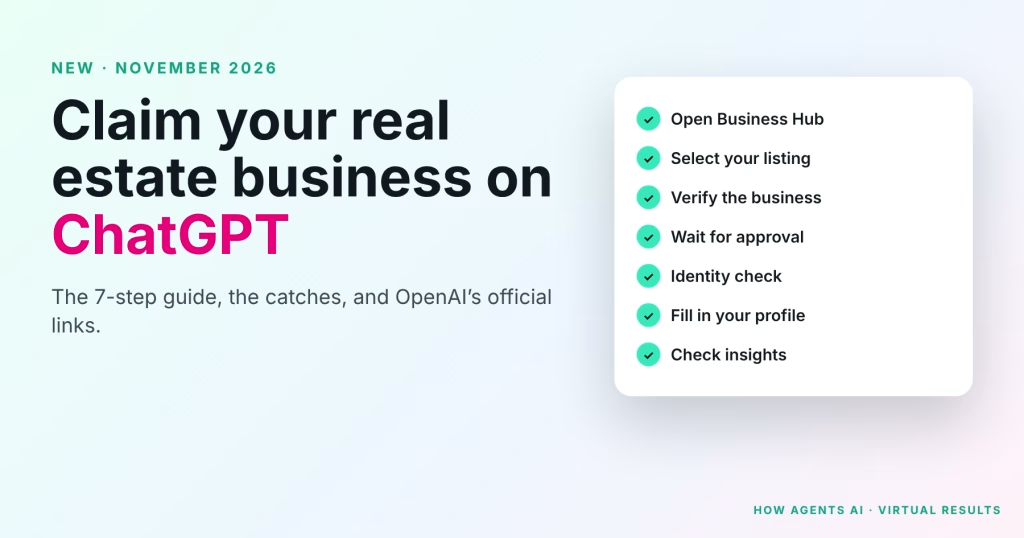
The short version: OpenAI opened Businesses in ChatGPT as a beta on November 10, 2026. Real estate agents and brokerages can claim their profile in Business Hub, verify it, and control what ChatGPT says about them. ✓No ad account or ChatGPT Enterprise agreement needed. ✓About 15 minutes of work, then OpenAI reviews it by email.…
Ryan Rockwood · 6 min read
On this page
The short version: OpenAI opened Businesses in ChatGPT as a beta on November 10, 2026. Real estate agents and brokerages can claim their profile in Business Hub, verify it, and control what ChatGPT says about them.
- ✓No ad account or ChatGPT Enterprise agreement needed.
- ✓About 15 minutes of work, then OpenAI reviews it by email.
- ✓It won’t rank you higher. It makes sure ChatGPT gets your details right.
A slide deck has been making the rounds on Facebook: a dark ChatGPT logo, a big “NEW” badge and the line “Realtors can now put their business on ChatGPT.” Several agents sent it to us with the same question: is this real?
It is. We checked it against OpenAI’s own help article, and below is the full walkthrough, written for a working agent or broker, plus the catches the viral post leaves out.
Watch the walkthrough: How to claim your real estate business on ChatGPT (How Agents AI).
What OpenAI actually launched
When someone asks ChatGPT something like “who’s a good listing agent in Rock Hill?”, ChatGPT can show business results. Until now you had no say in what those results said. OpenAI says ChatGPT has 1.2 billion weekly users, so even a sliver of that in your county is worth getting right.
Business Hub lets the owner, or someone authorized to represent the business, do three things:
- Claim and verify the profile, and earn a blue verified check.
- Keep the details current: website, description, category, logo and cover photo. OpenAI reviews changes before they appear.
- See insights for the past 28 days: mentions, website clicks and “discovery topics.”
Four things the viral post leaves out
1. Claiming doesn’t move you up. In OpenAI’s words, claiming “doesn’t guarantee increased visibility or give you direct control over ChatGPT’s independent recommendations,” and “advertising doesn’t influence ChatGPT’s independent answers.” Anyone selling a “guaranteed ChatGPT ranking” is selling something OpenAI doesn’t offer.
2. Local offices can only claim a listing that already exists. OpenAI says local stores and restaurants “can currently claim only an existing U.S. listing.” Eligible online businesses may see an option to add a new one. For most agents, that means your own website on your own domain matters more than ever.
3. Once it’s published, it stays published. OpenAI Support can’t delete, unpublish or hide a published profile. Only unpublished drafts can be deleted. If you create a new profile through the identity check, approval publishes it automatically, so have your details ready first.
4. The AI “Business Agent” isn’t for real estate advice. OpenAI also launched Business Agents, a branded chat about your business. They’re limited to eligible U.S. ecommerce and online-service businesses, they can’t book appointments, and the Business Agents Policy says an agent must not give advice that legally requires a professional license. Claiming your profile doesn’t require an agent.
What you need before you start
- A computer. DNS steps and ID uploads go faster on a laptop.
- The ChatGPT account you’ll keep. Brokers: use an office account, not an agent’s personal login that leaves when they do.
- One way to verify: the business phone number on file, a business email address, or access to your website domain’s DNS settings.
- A government-issued ID. You may also need business registration information and proof you’re authorized to represent the business.
- Your logo, a cover photo and a short description of who you help and where.
Brokers and team leads: decide who claims each office first. OpenAI manages each brand separately, and claiming the main brand doesn’t claim its locations.
How to claim your real estate business on ChatGPT: interactive step-by-step guide
Work through it with this page open and tick each step as you go. Want your progress saved, or a printable version? Use the interactive checklist page, which also has the PDF.
1Open Business Hub and search for your business
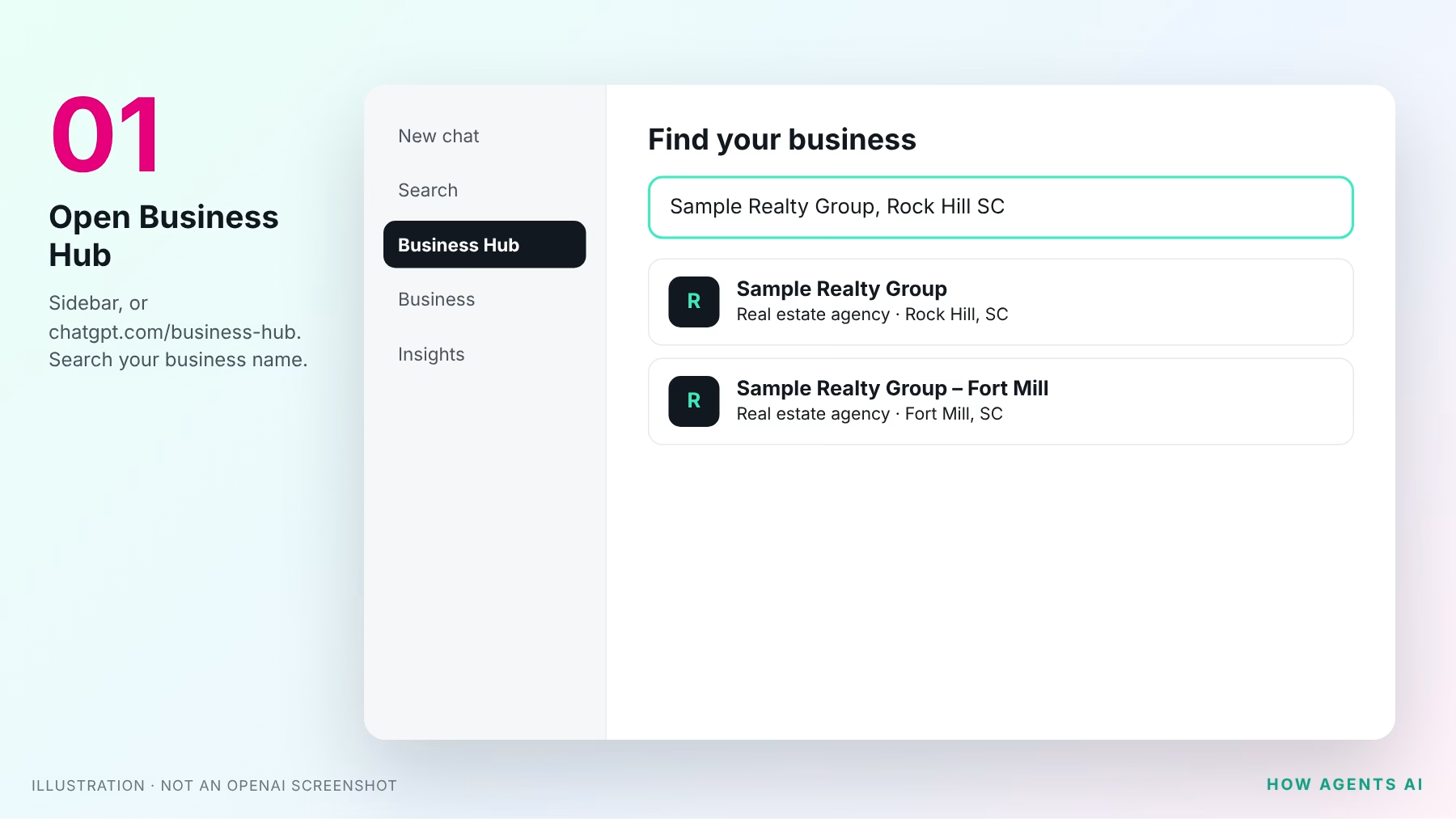
Sign in to ChatGPT with the account you’ll keep. Open Business Hub from the sidebar, or go straight to chatgpt.com/business-hub. Search for your business by name. Try your team name and your brokerage name too.
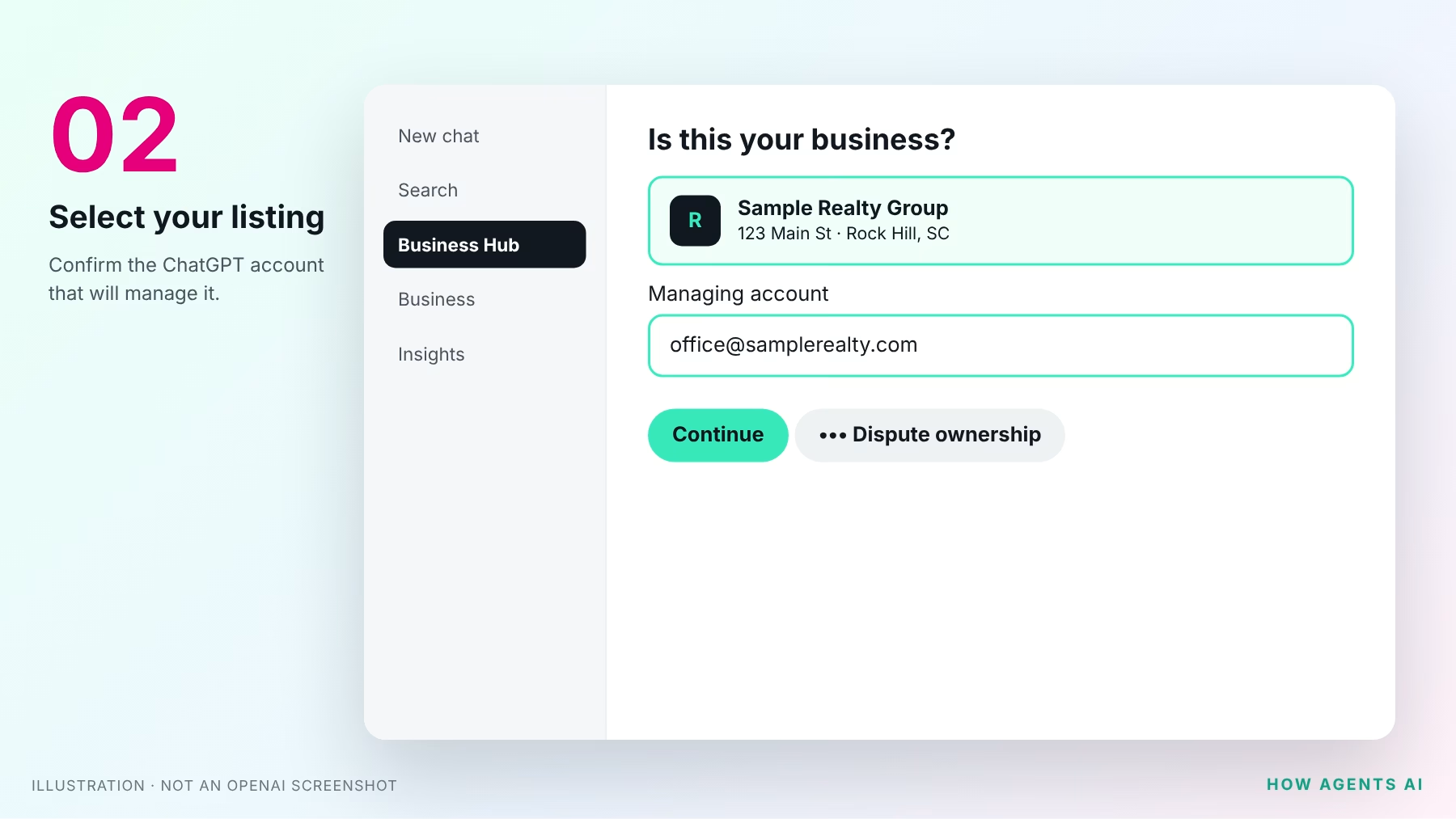
2Select your listing and confirm your account
Choose the listing that matches your business and confirm the ChatGPT account that will manage it.
- Got a claim invitation by email? Open the personal link and sign in with that same email address.
- See “Contact support”? The listing is locked. Use that button to request access.
- Can’t find yourself? Eligible online businesses may see an option to add one. Local offices can only claim an existing U.S. listing.
- Someone else claimed it? Open the profile’s ••• menu and choose Dispute ownership.
3Verify the business
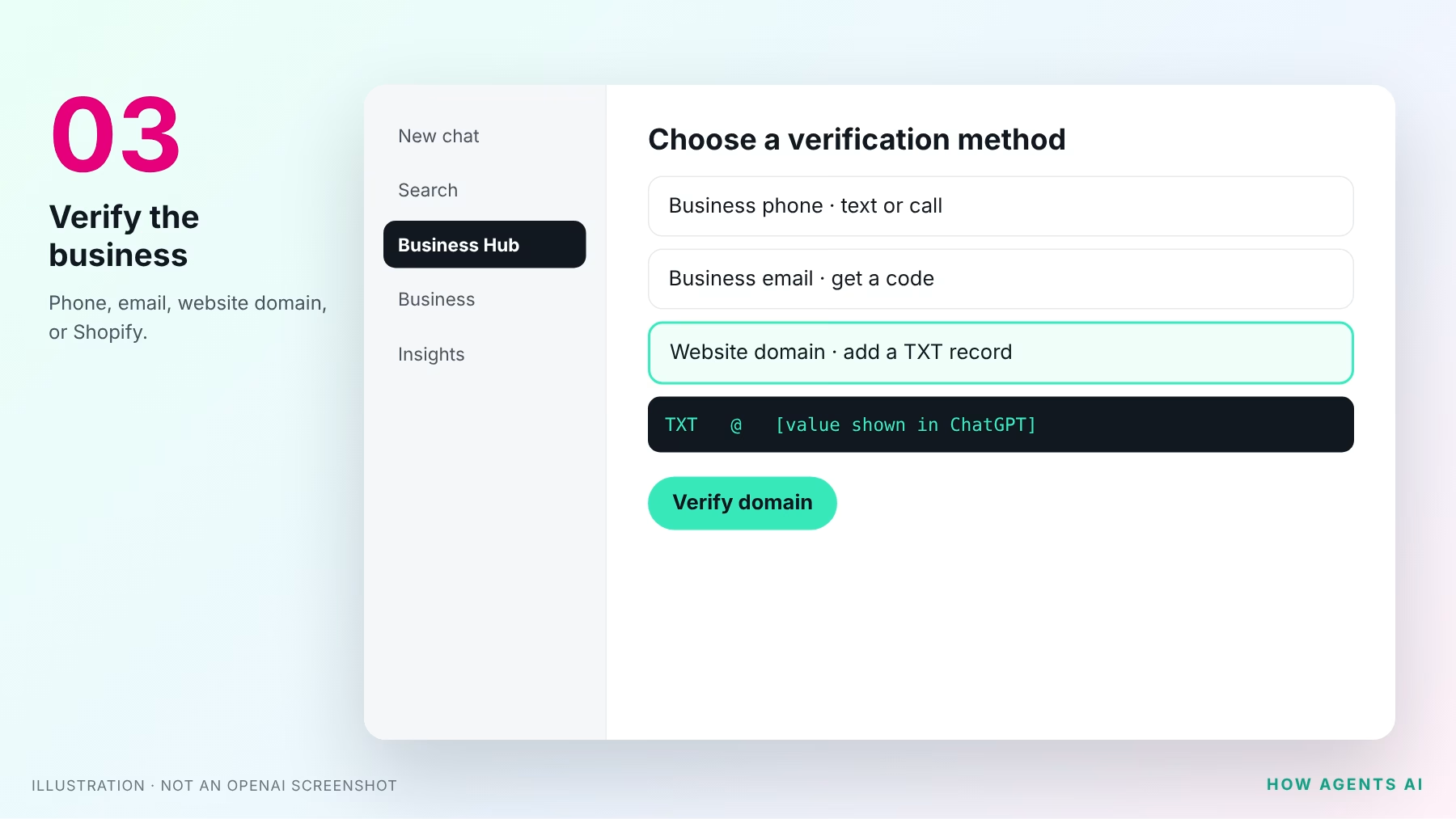
Pick one of the methods offered for your listing:
- Business phone: choose a text or an automated call, select Get code, and enter it.
- Business email: select Get code and enter the code sent to your business address.
- Website domain: add the TXT record ChatGPT shows you to your domain’s DNS, exactly as shown, then select Verify domain. If we manage your domain, send us the record and we’ll add it for you.
- Shopify store: for online sellers only.
4Wait for claim approval
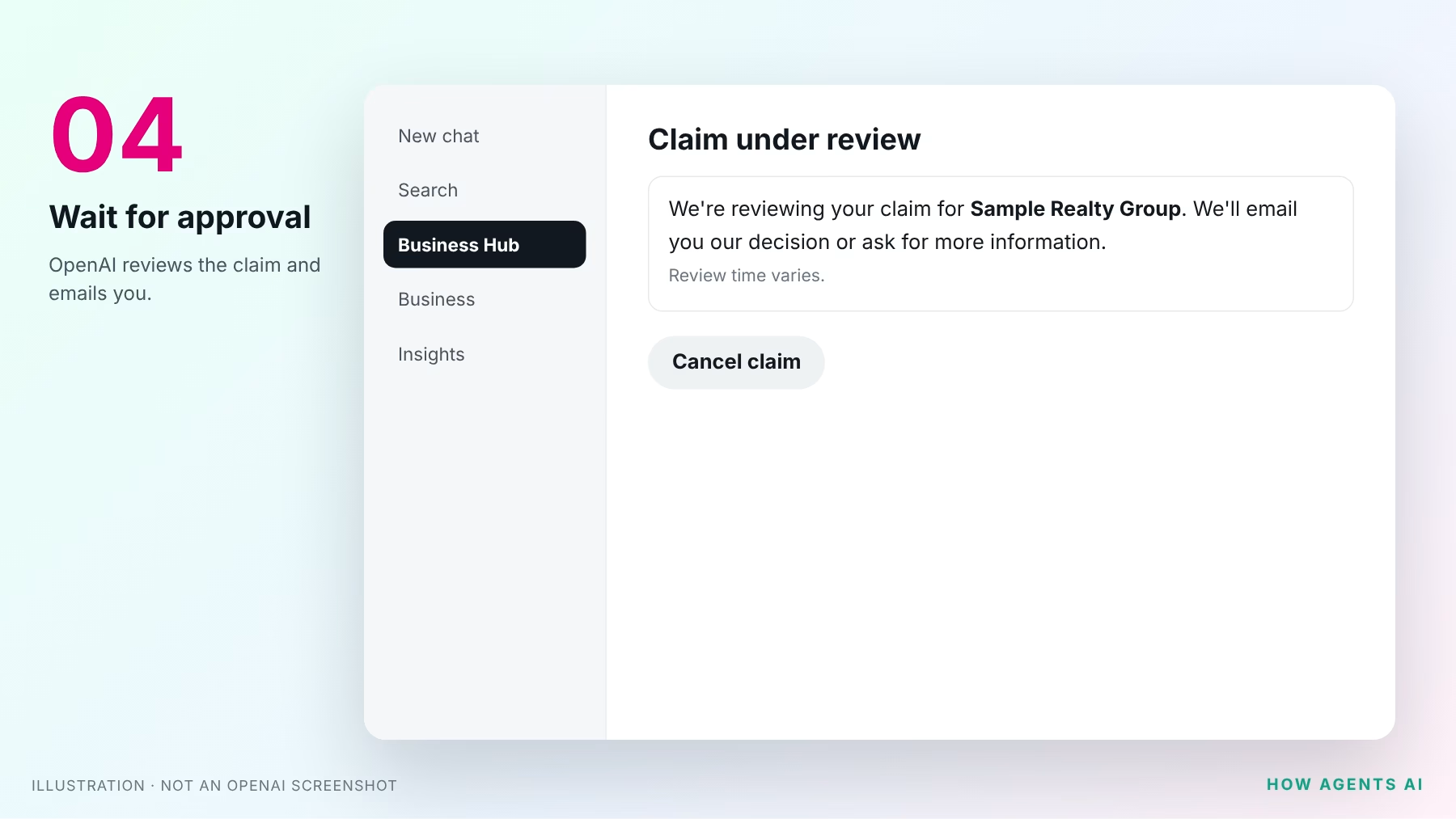
OpenAI reviews your claim and emails you its decision, or asks for more information. Review time varies, so wait for the email before trying again.
5Pass the identity check with Persona
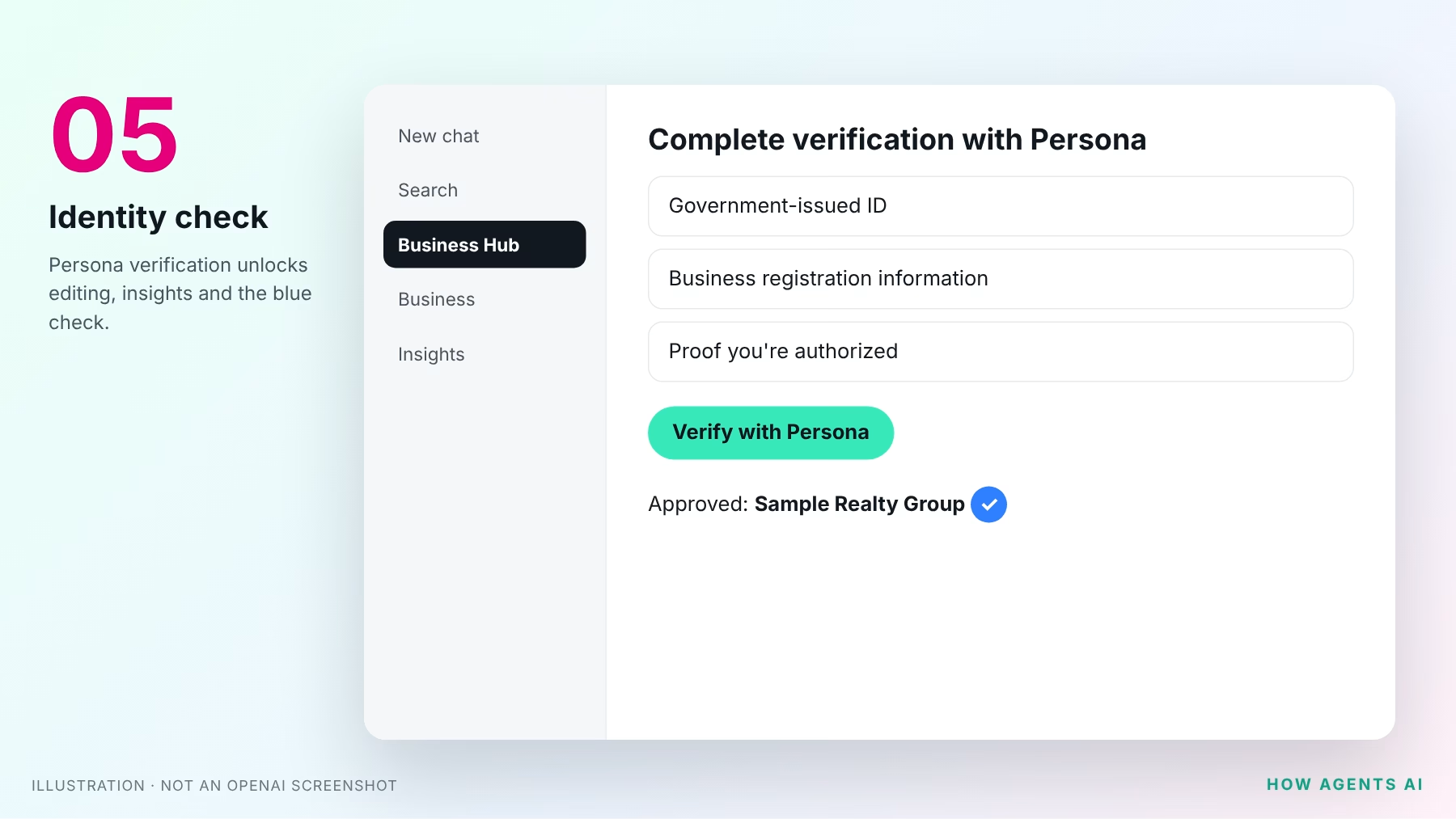
Select Verify with Persona, then Continue to Persona. You may need a government ID, business registration information and proof you’re authorized to represent the business. You need this to publish changes or see insights, and the blue check appears only after it’s approved.
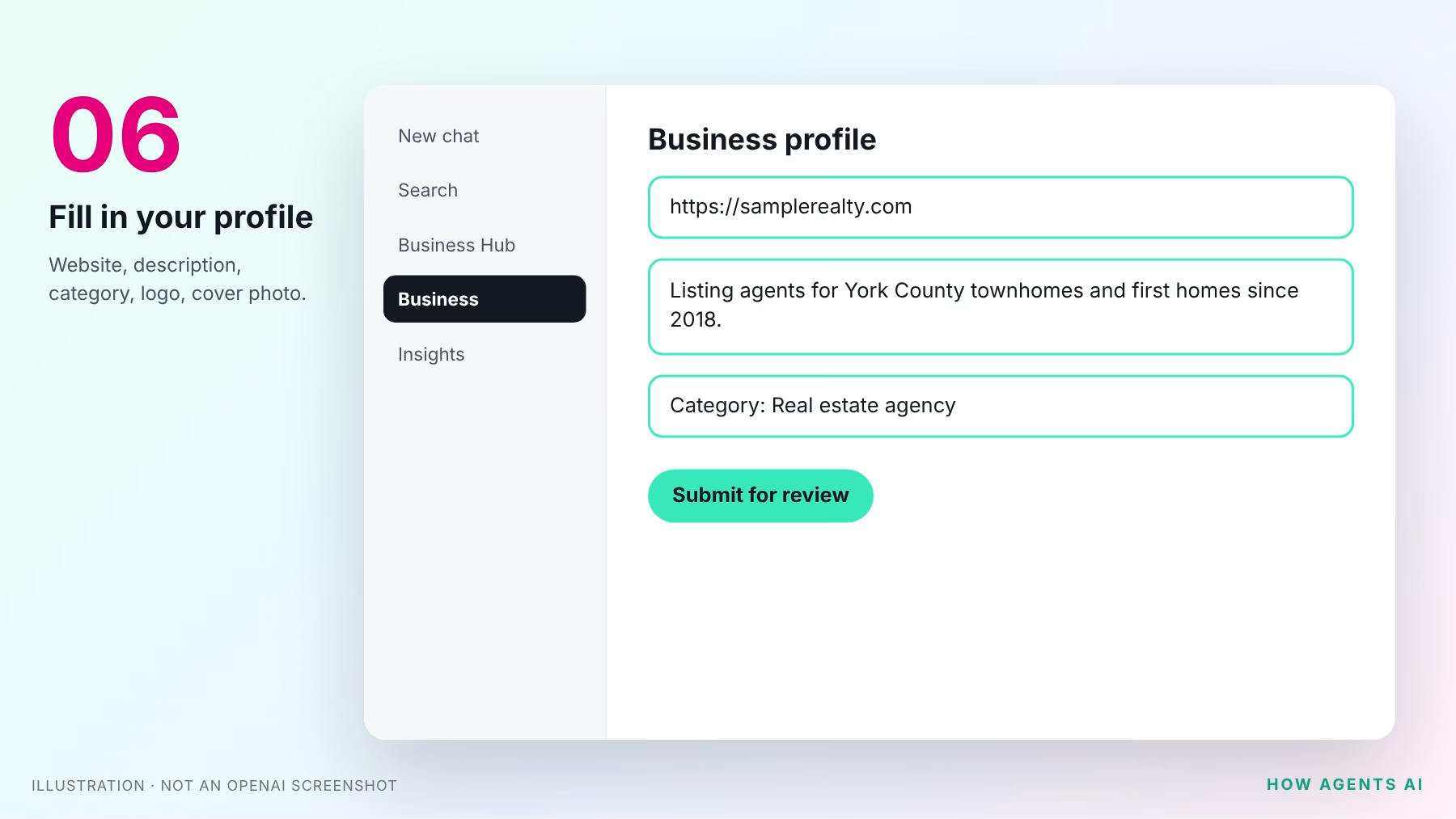
6Fill in your profile
Open your profile in the Business tab and update your website, description, category and logo, and add a cover photo. Make it count:
- Name: match your license and your state’s advertising rules, including your brokerage name if required.
- Website: your own domain, not a portal profile.
- Description: who you help, where, and what you’re known for. “Listing agent for York County townhomes since 2018” beats “dedicated professional committed to excellence.”
OpenAI’s Businesses in ChatGPT policy requires accurate details, including service area, and bans fabricated reviews and unsupported guarantees.
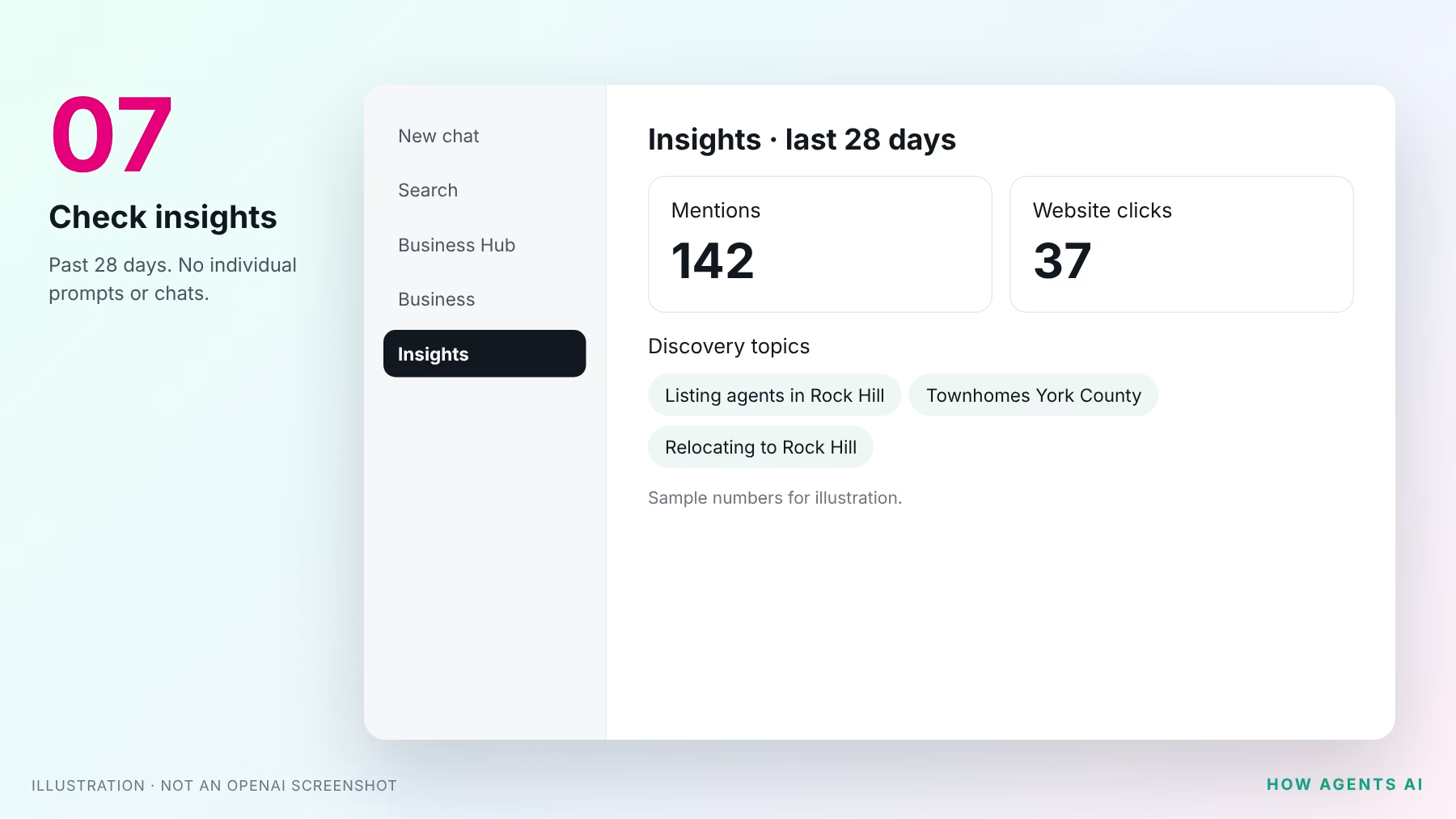
7Check your insights
Open Insights to see the past 28 days:
- Mentions: for a local business, each time ChatGPT shows your location. For an online business, each time it references your website. Your name alone doesn’t count.
- Website clicks: people who clicked through to your site.
- Discovery topics: themes in answers that mentioned you. You never see individual prompts or conversations.
A blank number means not enough data yet, not zero.
Get the interactive checklist and the printable PDF
Our checklist page saves your progress as you tick each step, and you can get the one-page PDF version emailed to you.
Brokers: let your team or your agency help
The admin who claimed the business can add teammates in Business Hub and give an agency access to manage it. Everyone uses their own ChatGPT account, and you shouldn’t forward a personal claim invitation. That’s how we help our clients: you claim it, then add us.
So should you bother?
Yes, for one reason: ChatGPT will describe your business either way. Fifteen minutes to make sure it has the right website, phone number and brokerage name is cheap insurance.
Keep it in proportion, though. What makes ChatGPT recommend you is the same thing that makes Google recommend you: a real website on your own domain, with useful, specific pages about the neighborhoods you serve, and consistent details everywhere you’re listed. We covered that in Will ChatGPT name you when buyers ask for a real estate agent?
The 45-second version
Questions while you set it up?
Stuck on a step, or not sure which listing is yours? Ask us, and a real person on our team will answer.
OpenAI’s official pages
- Introducing Businesses in ChatGPT (OpenAI announcement, November 10, 2026)
- Setting up your business on ChatGPT (OpenAI Help Center)
- ChatGPT Business Hub (where you claim your business)
- Businesses in ChatGPT overview and FAQ
- Businesses in ChatGPT policy
- Business Agents Policy
If you don’t have a website on your own domain, or you’d like help with the DNS step, Virtual Results Agent Sites gets you a site you control, and we’ll walk you through claiming your ChatGPT profile on the same call. Book a time with us.
Updated November 12, 2026. Checked against OpenAI’s help article, announcement and policies the same day. Businesses in ChatGPT is a beta, and steps, eligibility and terms may change.